IVR Analysis: How to Use Call Recordings to Fix Your Phone Menu and Call Routing
Anita
October 19, 2026
IVR Analysis: How to Use Call Recordings to Fix Your Phone Menu and Call Routing
IVR analysis measures how well your phone menu (interactive voice response) routes, verifies and serves callers, and finds where it fails. Traditional IVR reports show which options callers chose and where they hung up. They do not show what happened next: whether the caller reached the right agent, had to repeat their verification, or explained that the menu did not offer what they needed.
The answer is to combine call path data with what was said on the call. Adrentech Inform imports call metadata such as DNIS, call path steps and routing information, and joins it with AI analysis of the conversation: the real call reason, failed self-service attempts, verification steps and transfers.
Table of Contents:
- Key takeaways
- What is IVR analysis?
- Why IVR reports alone are not enough
- What call path data to collect
- How to analyze your IVR step by step
- IVR metrics to track
- How Adrentech Inform supports IVR analysis
- Common IVR problems and fixes
- Frequently asked questions
- Fix your phone menu with real call data
Key takeaways
- IVR logs tell you what callers pressed; conversations tell you why they still needed an agent.
- The three most common IVR problems are misrouting, failed self-service and repeated verification.
- Callers who tried the menu and then explain it did not work are your best IVR improvement data.
- Analyze IVR outcomes by entry point (DNIS) and by call reason, not only overall.
- Every menu change should be re-measured with the same call data.
What is IVR analysis?
IVR analysis is the review of how callers move through the phone menu and what happens after they leave it. It covers four areas:
| Area | Question |
|---|---|
| Routing | Did the menu send the caller to the right queue? |
| Self-service | Could the caller complete the task in the menu, and did they? |
| Verification | Was the caller identified before reaching an agent, and did the agent rely on it? |
| Experience | Did the caller express frustration with the menu? |
Why IVR reports alone are not enough
- They stop at the hand-off. Once the call reaches an agent, the IVR report knows nothing about the outcome.
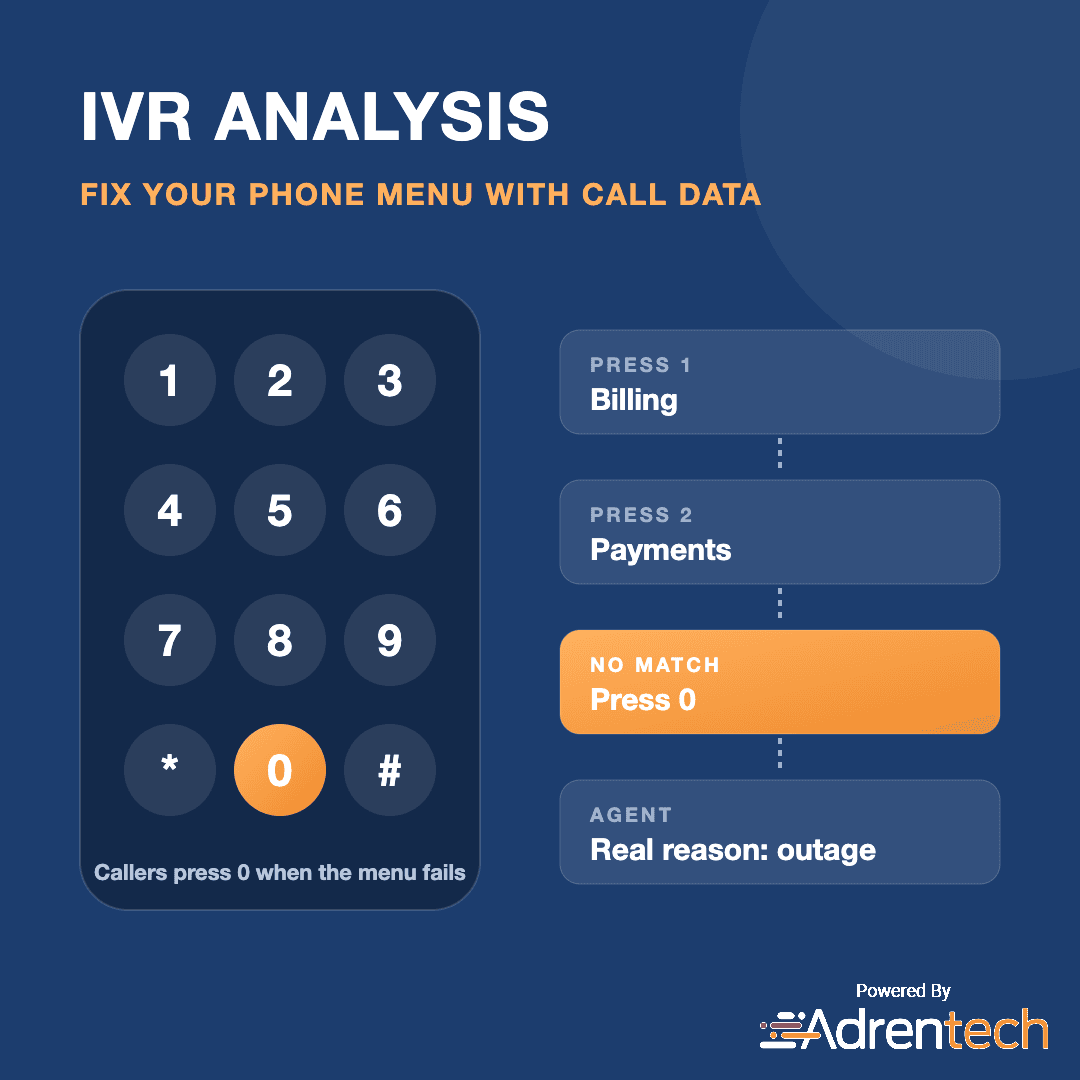
- Menu choices are not call reasons. Callers often pick the closest option, or press "0" to reach anyone.
- Hang-ups are ambiguous. A short call can mean success or giving up.
- Verification is invisible. The log may show a verification step, but not whether the agent asked again.
Conversation analysis fills these gaps because the caller and agent talk about exactly what happened.
What call path data to collect
| Field | Why it is useful |
|---|---|
| DNIS (dialed number) | Shows which phone number or campaign the caller used |
| Call path steps | The sequence of menu nodes and queues the call passed through |
| Original and final workgroup | Where the call was first routed and where it ended |
| User-to-user information (UUI) | Context passed between systems, such as menu choices |
| Hold and talk time | How long the caller waited and spoke |
Call path data can be incomplete, truncated or delivered after the recording. A good analysis setup tolerates this and updates labels when late data arrives.
How to analyze your IVR step by step
- Join call path data with each recording. Link DNIS, path steps and workgroups to the conversation.
- Classify the real call reason. Use the conversation, not the menu choice.
- Compare menu route with call reason. Find calls where the route did not match the need: these are misroutes.
- Detect failed self-service. Flag calls where the customer says they tried the menu, app or website first, and record why it failed.
- Check verification. Record whether the caller was pre-verified in the IVR and whether the agent verified again manually.
- Segment by entry point. Compare results by DNIS and menu path.
- Change one thing at a time. Update a menu option or routing rule, then re-measure.
IVR metrics to track
| Metric | What it tells you |
|---|---|
| Misroute rate | Share of calls where the route did not fit the call reason |
| Transfers after IVR routing | Calls that needed another hand-off after the menu |
| Failed self-service mentions | How often callers say the menu or digital channel failed |
| Failed self-service reasons | What to fix first |
| Pre-verification acknowledged | Whether agents recognize callers already verified in the IVR |
| Manual re-verification | How often callers are verified twice |
| Call reasons by DNIS | What each phone number is really used for |
How Adrentech Inform supports IVR analysis
Inform joins call path data with what was said on the call.
- Call metadata import. Inform stores call metadata such as DNIS, user-to-user information, call path steps and workgroups alongside each recording, and refreshes it when metadata arrives later.
- Real call reasons. Primary and secondary call reasons come from the conversation, so they can be compared with the route the call took.
- IVR and system queue handling. Non-conversational parts of a call, such as automated routing queues, are recognized so they are not mistaken for agent conversations.
- Failed self-service detection. Inform records when customers mention failed self-service and why, and recommends a better channel for the intent.
- Pre-verification signals. Inform notes whether the IVR pre-verification was mentioned or acknowledged by the agent, and whether manual verification was still needed.
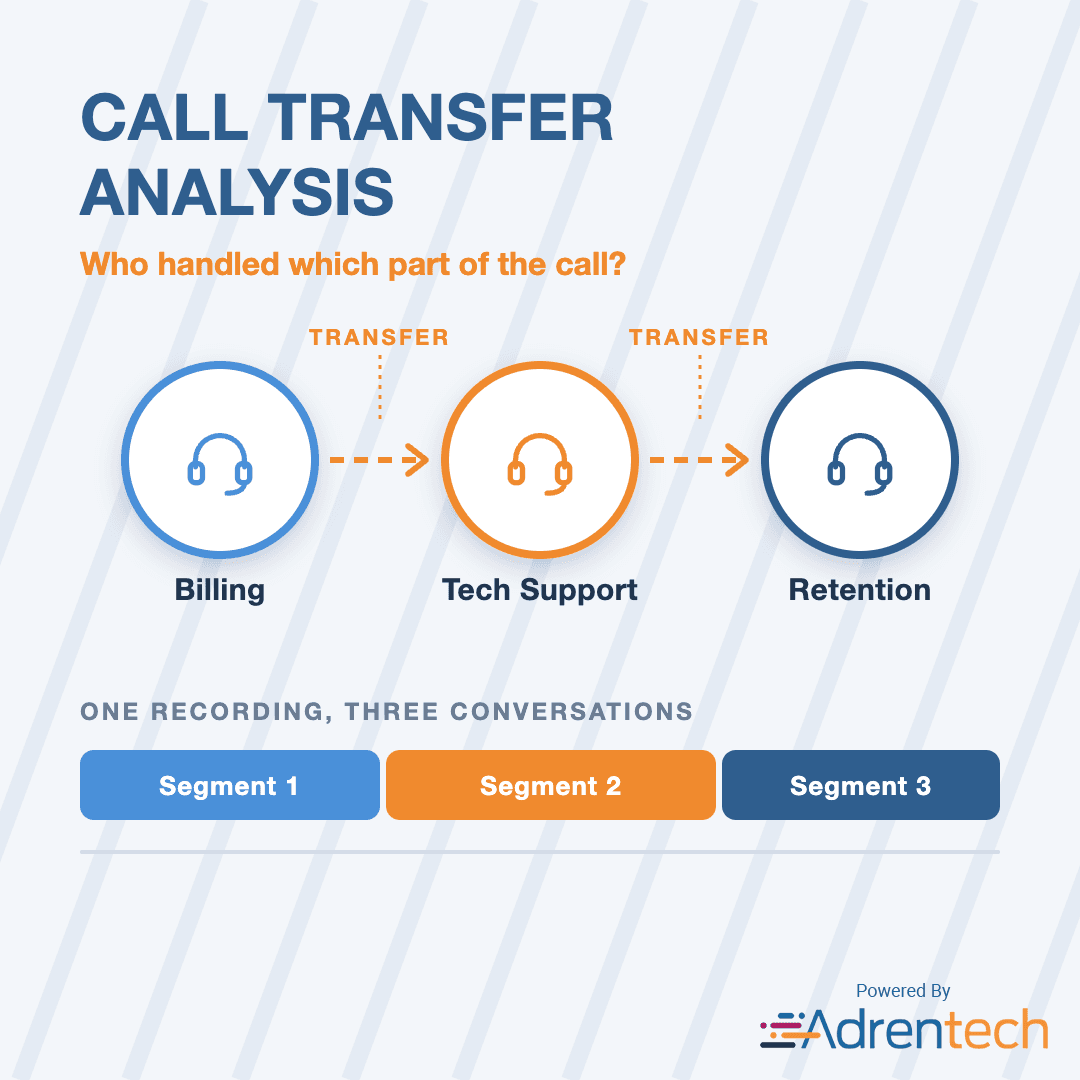
- Transfers and segments. When a routed call is passed on, each conversation segment is analyzed separately.
- Report scope by DNIS. Reports can be scoped by dialed number, so each entry point can be reviewed on its own.
Example questions you can ask Inform
- "What are the top call reasons for each dialed number?"
- "How many callers mentioned that self-service failed last week?"
- "On how many calls did the agent verify a caller who was already pre-verified?"
- "Which call reasons are transferred most after IVR routing?"
Common IVR problems and fixes
| Problem | Signal in calls | Fix |
|---|---|---|
| Option wording is unclear | Callers describe needs that match a different option | Rename options in customer language |
| Too many menu levels | Callers press "0" or say they could not find the option | Flatten the menu, promote top call reasons |
| Self-service dead ends | "I tried the phone menu but it didn't work" | Fix the failing flow before adding new ones |
| Repeated verification | Agent asks for details already given in the IVR | Pass verification status to the agent desktop |
| Wrong queue for a call reason | High transfers for one reason | Update routing rules with call reason data |
Frequently asked questions
What is IVR analysis?
IVR analysis measures how well a phone menu routes, verifies and serves callers, combining menu and routing data with what happens later in the call.
How can call recordings improve an IVR?
Recordings show the real reason for the call, whether the caller tried self-service first and why it failed, and whether verification had to be repeated, which IVR logs cannot show.
What is a misrouted call?
A misrouted call is one that reached a queue that does not match the customer's actual need, often leading to a transfer.
What is IVR pre-verification?
Pre-verification is when the phone menu identifies or authenticates the caller before they reach an agent, so the agent does not need to verify them again.
What is DNIS?
DNIS (Dialed Number Identification Service) identifies the phone number the caller dialed, which helps separate traffic from different campaigns, products or regions.
Can Inform analyze calls when call path data is incomplete?
Yes. Inform uses call path data when available and relies on conversation analysis when it is missing, truncated or late.
Fix your phone menu with real call data
See how your IVR performs once callers reach an agent. Book an Inform demo or contact the Adrentech team. Related reading: call deflection analysis and call transfer analysis.
Share on social media


Emerging Issue Detection: How to Spot Outages and New Problems in Customer Calls Early