Call Deflection Analysis: How to Find Which Calls Should Be Self-Service
Anita
October 2, 2026
Call Deflection Analysis: How to Find Which Calls Should Be Self-Service
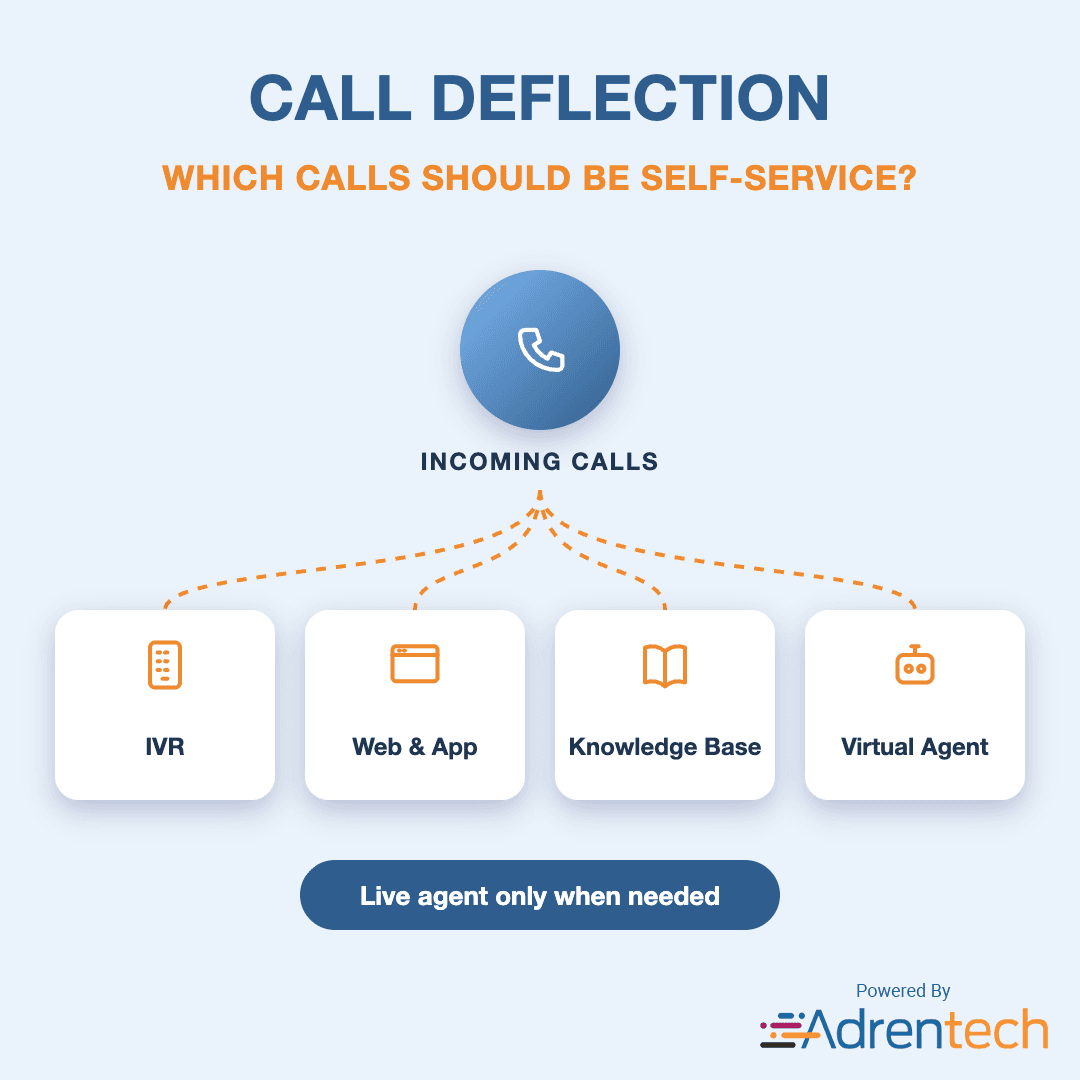
Call deflection analysis identifies which customer calls could have been handled by self-service — an IVR, website, app, knowledge base or virtual agent — and explains why those customers called a human instead. It is the foundation of any contact center automation plan, because it tells you what to automate first and how much volume it can remove.
Many automation projects start with a guess. A better approach is to look at the calls you already have. Adrentech Inform analyzes 100% of call recordings and records, for every call, whether it was self-service eligible, what the automation intent was, whether the customer had already tried self-service and failed, and which channel would fit best.
Table of Contents
- Key takeaways
- What is call deflection?
- Why analyze calls before automating
- How to identify self-service opportunities step by step
- Self-service metrics to track
- Why self-service fails
- Matching intents to the right channel
- How Adrentech Inform finds self-service opportunities
- Common call deflection mistakes
- Frequently asked questions
- What is call deflection?
- How do you identify which calls can be automated?
- What is failed self-service?
- Is IVR containment the same as call deflection?
- How does Adrentech Inform help with contact center automation?
- Can Inform measure the impact of a new self-service feature?
Key takeaways
- Call deflection means resolving a customer need without a live agent, while keeping the customer satisfied.
- The best automation candidates are frequent, simple, low-risk requests with a clear outcome.
- Failed self-service is a major source of avoidable calls; understanding why it failed is as important as building new automation.
- Each intent should be matched to the right channel: some fit an IVR, others a web form, a knowledge article or a virtual agent.
- AI call analysis turns every call into automation data, so you can size opportunities with real volume.
What is call deflection?
Call deflection is resolving a customer request through a self-service channel instead of a live agent. Good deflection solves the customer's problem; bad deflection just makes the customer work harder before they reach an agent anyway.
| Term | Meaning |
|---|---|
| Call deflection | A customer need resolved without a live agent |
| IVR containment | Calls fully handled within the phone system's automated menu |
| Self-service eligible call | A call whose request could have been completed in an existing or planned self-service channel |
| Failed self-service | The customer tried self-service first, could not complete the task, and then called |
| Automation intent | The specific task the customer wanted, such as "reschedule appointment" or "check balance" |
Why analyze calls before automating
The calls you already receive are the most accurate list of what customers need help with. Analyzing them before building automation helps you:
- Size each opportunity. Know how many calls each intent generates per week before investing in it.
- Avoid automating the wrong things. Some intents look simple but involve exceptions, emotion or account changes that need a human.
- Fix broken self-service first. If customers already tried the app and failed, a better app flow may deflect more calls than a new channel.
- Choose the right channel. A password reset, an outage update and a billing dispute need very different solutions.
- Measure the result. After launch, the same analysis shows whether volume for that intent actually dropped.
How to identify self-service opportunities step by step
- Analyze every call. Classify each call by its automation intent, the concrete task the customer wanted done.
- Assess eligibility. For each call, decide whether the request could have been completed without an agent.
- Record complexity reasons. When a call is not eligible, record why: an exception, an account issue, verification needs, or an emotional situation.
- Detect failed self-service. Note when the customer mentions trying the website, app or phone menu first, and why it did not work.
- Recommend a channel. Match each eligible intent to the channel that fits it best.
- Rank by volume and effort. Prioritize intents with high volume, high eligibility and a clear channel.
- Launch, then re-measure. Track volume for that intent after the change to confirm the impact.
Self-service metrics to track
| Metric | What it tells you |
|---|---|
| Self-service eligible calls (count and share) | The size of the automation opportunity |
| Automation intents by volume | What to automate first |
| Self-service eligibility by intent | Which intents are truly automatable |
| Automation complexity reasons | Why some calls need a human |
| Failed self-service mentions | How often existing channels fail customers |
| Failed self-service reasons | What to fix in existing channels |
| Recommended self-service channels | Where each intent should be handled |
Why self-service fails
Customers rarely call because they prefer to; many call because self-service did not work. Common failure reasons that show up in call recordings include:
- The feature did not exist in the app or website.
- The customer could not log in or verify their identity.
- The information was hard to find or out of date.
- The process ended in an error or a dead end.
- The phone menu did not offer the right option, so the customer pressed "0".
Each of these is a fixable problem. Inform records failed self-service mentions and the reasons behind them, so digital and IVR teams get a prioritized list of what to repair.
Matching intents to the right channel
| Intent type | Example | Often a good fit for |
|---|---|---|
| Status checks | Order status, outage status, appointment time | IVR, SMS, app notifications |
| Simple account tasks | Update address, change payment date | Web or app self-service |
| How-to questions | How to reset a device, how to read a bill | Knowledge base and search |
| Conversational tasks | Reschedule, troubleshoot step by step | Virtual agent |
| Complex or emotional issues | Disputes, cancellations, complaints | Live agent with good guidance |
For how-to questions, an AI knowledge platform like norm can answer customers directly. For conversational tasks, a virtual assistant like Vira can complete the request end to end. Inform shows which intents belong in each.
How Adrentech Inform finds self-service opportunities
Inform turns every call into automation data, then lets you ask about it in plain English.
- Self-service eligibility for every call.
- Automation intents that describe the specific task the customer wanted.
- Automation complexity reasons that explain why a call needed a human.
- Failed self-service mentions and reasons that show where existing channels break.
- Recommended self-service channels for each eligible intent.
- Self-service eligibility by intent, so you can rank opportunities by volume and automation fit.
- Call reasons and resolution data on the same calls, so automation decisions are grounded in the full picture.
Example questions you can ask Inform
- "How many calls last month were self-service eligible?"
- "What are the top automation intents by volume?"
- "Which intents have the highest self-service eligibility?"
- "Why did customers say self-service failed?"
- "What channel is recommended for appointment rescheduling calls?"
Common call deflection mistakes
- Automating by intuition. Without volume data, teams often automate tasks that generate few calls.
- Measuring containment only. A customer who gives up in the IVR is "contained" but not helped.
- Ignoring failed self-service. Repairing an existing broken flow is often faster than building a new one.
- Forcing complex calls into automation. Exceptions and emotional calls frustrate customers when they cannot reach a person.
- Not re-measuring after launch. Without before-and-after data you cannot prove the project worked.
Frequently asked questions
What is call deflection?
Call deflection is resolving a customer request through a self-service channel, such as an IVR, website, app, knowledge base or virtual agent, instead of a live agent.
How do you identify which calls can be automated?
Analyze your call recordings by intent and assess, call by call, whether the request could have been completed without an agent. Rank the eligible intents by volume and choose the right channel for each.
What is failed self-service?
Failed self-service happens when a customer tries to complete a task in a self-service channel, cannot finish it, and then calls the contact center. These calls are among the easiest to prevent.
Is IVR containment the same as call deflection?
Not exactly. IVR containment measures calls that stay in the phone menu. Call deflection is broader and should only count requests that were actually resolved, in any channel.
How does Adrentech Inform help with contact center automation?
Inform analyzes 100% of calls for self-service eligibility, automation intents, complexity reasons, failed self-service and recommended channels, so teams can prioritize automation with real data.
Can Inform measure the impact of a new self-service feature?
Yes. Because Inform tracks intents and call reasons over time, you can compare call volume for a specific intent before and after a self-service change.
Find your automation opportunities
See which of your calls could be self-service and why customers are calling instead. Book an Inform demo or contact the Adrentech team. To understand why customers call in the first place, read our guide to call driver analysis.
Share on social media


PII Redaction in Call Transcripts: How to Protect Customer Data in Speech Analytics