Call Center Churn Analysis: How to Find Cancellation Reasons and Save More Customers
Anita
October 2, 2026
Call Center Churn Analysis: How to Find Cancellation Reasons and Save More Customers
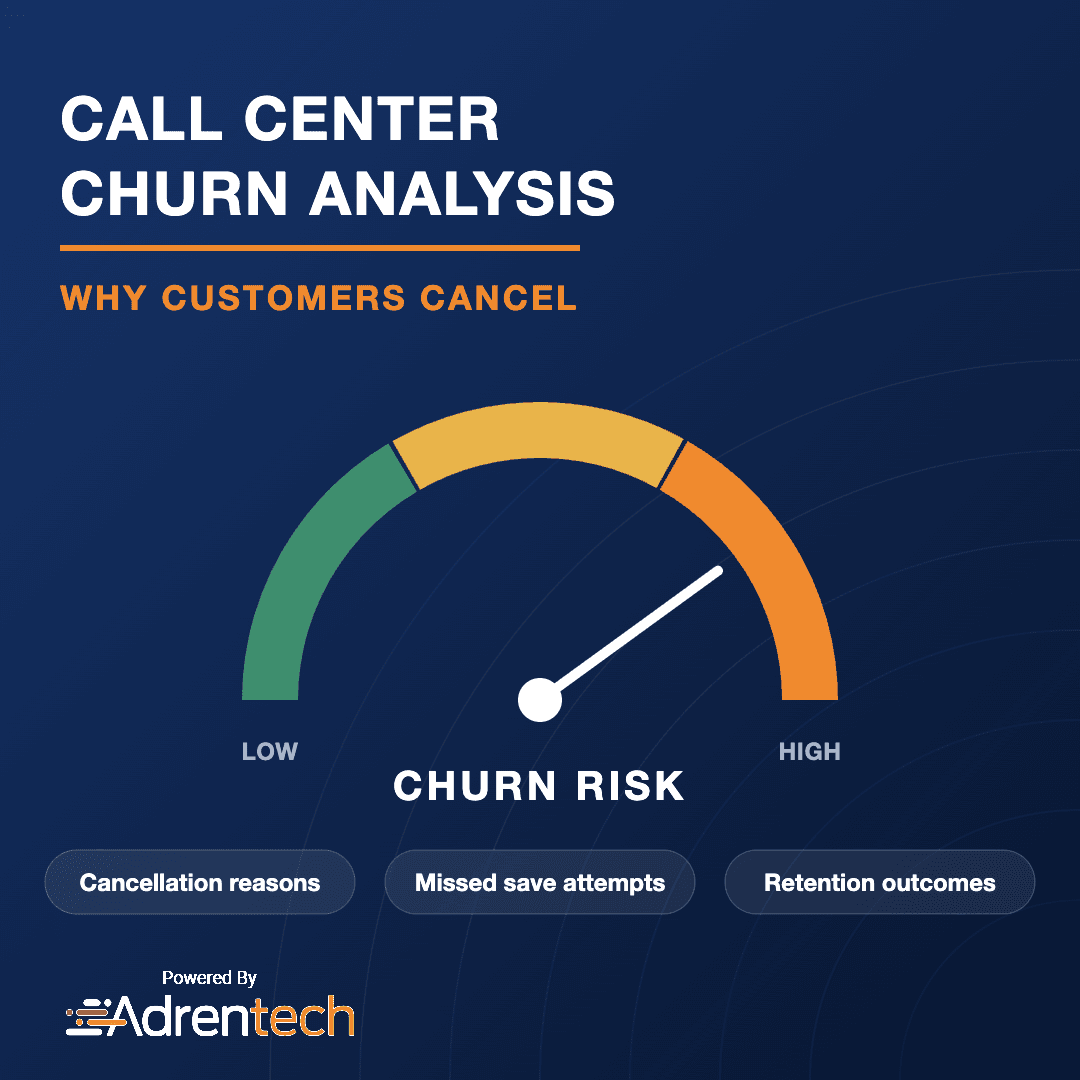
Call center churn analysis uses the conversations customers have with your retention and support teams to find out why they cancel, who is at risk of leaving, and whether agents made a real attempt to keep them. Because customers explain their reasons in their own words on these calls, recordings are one of the richest sources of churn insight a business has.
Adrentech Inform analyzes 100% of calls with AI and records retention outcomes, cancellation reasons, churn risk and churn indicators for every conversation. It also flags calls where a retention attempt should have happened but did not.
Table of Contents
- Key takeaways
- What is churn analysis in a contact center?
- Why analyze churn from call recordings?
- The churn metrics that matter
- How to run churn analysis step by step
- Why "retention not attempted" is the hidden metric
- How Adrentech Inform automates churn analysis
- Turning churn insights into action
- Common churn analysis mistakes
- Frequently asked questions
- What is call center churn analysis?
- How do you find out why customers cancel?
- What is a retention attempt rate?
- Can AI predict churn from calls?
- Does Inform analyze transferred retention calls correctly?
- Which teams should use churn analysis results?
Key takeaways
- Cancellation calls tell you why customers leave in their own words; surveys and dropdown codes rarely do.
- Churn analysis should cover three questions: why customers leave, who is at risk, and how well your team responds.
- "Retention was not attempted" is one of the most valuable and most overlooked churn metrics.
- Churn signals also appear in regular support calls, long before a customer asks to cancel.
- AI makes it possible to analyze every retention and support call, not a small sample.
What is churn analysis in a contact center?
Churn analysis in a contact center is the systematic review of customer conversations to understand cancellations and prevent future ones. It combines three views:
| View | Question it answers | Example data |
|---|---|---|
| Cancellation reasons | Why do customers leave? | Price, service quality, moving, competitor offer |
| Churn risk | Who is likely to leave soon? | Frustration, repeated issues, mentions of competitors |
| Retention performance | How well do we respond? | Save attempts, offers made, retention outcomes |
Most companies only measure the final outcome (saved or lost). Churn analysis looks at the full conversation to explain the outcome.
Why analyze churn from call recordings?
Customers say why they are leaving on the phone, often in more detail than anywhere else. Exit surveys get low response rates, and cancellation codes chosen by agents compress a complex story into one dropdown value.
Call recordings help you:
- Find the real cancellation reason. "Too expensive" may really mean "a competitor offered a lower promotional price" or "my bill went up after the promotion ended."
- Measure save effort, not just save rate. A low save rate can mean weak offers or no attempt at all. Only the conversation shows which.
- Spot churn risk early. Customers often signal frustration in support calls weeks before they cancel.
- Improve offers and policies. If many customers leave for the same reason, the fix is often a product, pricing or process change, not better scripting.
The churn metrics that matter
| Metric | Definition | Why it matters |
|---|---|---|
| Retention outcome | Saved, cancelled, pending, or other outcome per call | Your core result |
| Cancellation reasons | The reasons customers give for leaving | Tells you what to fix |
| Retention attempt rate | Share of cancellation requests where the agent tried to save the customer | Measures process compliance |
| Reasons retention was not attempted | Why no save attempt was made | Reveals training and policy gaps |
| Churn risk | Likelihood a customer will leave, based on the conversation | Prioritizes proactive outreach |
| Churn indicators | Signals such as frustration, repeated issues or competitor mentions | Explains the risk score |
| Pain points before cancellation | Problems the customer experienced earlier | Links churn to root causes |
How to run churn analysis step by step
- Collect all relevant calls. Include retention queue calls and general support calls, because risk signals appear in both.
- Separate the conversation segments. Many cancellation calls start in another queue and are transferred to retention. Analyze the retention segment on its own.
- Extract the cancellation reason. Record the primary reason and any secondary ones in a consistent vocabulary.
- Record the retention attempt and outcome. Did the agent try to save the customer? What was offered? What was the result?
- Capture churn signals in non-retention calls. Look for frustration, repeated problems and competitor mentions.
- Trend and segment. Compare reasons and outcomes by month, customer segment, product and agent.
- Act on the findings. Feed reasons to product and pricing teams, and missed attempts to coaching.
Why "retention not attempted" is the hidden metric
When an agent processes a cancellation without trying to save the customer, the business loses a customer it might have kept. These calls are easy to miss because the outcome looks normal: the customer asked to cancel and the cancellation was processed.
Inform records whether a retention attempt was made and, when it was not, why. Typical reasons include the customer refusing to discuss it, the agent skipping the step, or the request being outside the agent's authority. This turns a vague save-rate problem into specific coaching and process actions.
How Adrentech Inform automates churn analysis
Inform analyzes every call and fills in retention data automatically, then lets you explore it in plain English.
- Retention outcomes for every cancellation-related conversation.
- Cancellation reasons normalized to a consistent vocabulary, so results can be compared over time.
- Retention attempt gaps that show when and why no save attempt was made.
- Churn risk and churn indicators detected in any call, including routine support calls.
- Pain-point categories and severity that show which problems customers experienced before they decided to leave.
- Transfer-aware analysis. When a call moves from billing to retention, Inform analyzes each segment separately, so the retention agent is measured only on their part of the call.
- Agent and team breakdowns to compare save attempts and outcomes fairly.
Example questions you can ask Inform
- "What were the top cancellation reasons last month?"
- "How did cancellation reasons change compared with the previous quarter?"
- "On how many cancellation calls was retention not attempted, and why?"
- "Which agents have the lowest retention attempt rate?"
- "Show me support calls with high churn risk from the last two weeks."
Turning churn insights into action
| Finding | Owner | Typical action |
|---|---|---|
| Price is the top cancellation reason | Pricing / marketing | Review promotional roll-off and loyalty offers |
| Service problems drive cancellations | Operations / product | Fix the recurring issue behind the calls |
| Retention not attempted on many calls | Contact center management | Coaching, scripts, and clear save policies |
| High churn risk in support calls | Customer success | Proactive outreach before the customer cancels |
| Customers moving away | Sales | Offer service transfer to the new address where available |
Pair these findings with your executive reporting so leadership sees both the numbers and the reasons behind them.
Common churn analysis mistakes
- Relying only on cancellation codes. One dropdown value hides the full story.
- Only analyzing the retention queue. Risk signals appear earlier, in regular support calls.
- Measuring save rate without save effort. A low save rate needs a different fix when agents are not trying.
- Treating all cancellations the same. Customers who move away need a different response than customers who are unhappy.
- Not sharing findings outside the contact center. Many churn causes are owned by product, billing or operations.
Frequently asked questions
What is call center churn analysis?
Call center churn analysis is the review of customer conversations to understand why customers cancel, identify customers at risk of leaving, and measure how well agents attempt to retain them.
How do you find out why customers cancel?
The most reliable source is the cancellation conversation itself. AI call analysis can read every call and extract the customer's stated reasons in a consistent vocabulary, which is more detailed than exit surveys or agent-selected codes.
What is a retention attempt rate?
It is the share of cancellation requests where the agent made a genuine effort to keep the customer, for example by addressing the problem or presenting an offer.
Can AI predict churn from calls?
AI can detect churn indicators such as frustration, repeated problems and competitor mentions in conversations, and use them to flag calls with high churn risk for follow-up.
Does Inform analyze transferred retention calls correctly?
Yes. Inform splits a recording into customer–agent segments and analyzes each one, so a retention conversation that started in another queue is evaluated as a retention conversation.
Which teams should use churn analysis results?
Contact center managers use them for coaching, while product, pricing, operations and customer success teams use cancellation reasons and churn risk to fix root causes and reach at-risk customers.
See your cancellation reasons in Inform
Find out why your customers leave and where your team can save more of them. Book an Inform demo or contact the Adrentech team. For an overview of everything Inform extracts from a call, read AI call analysis software.
Share on social media


Call Deflection Analysis: How to Find Which Calls Should Be Self-Service