Executive Reporting for Leaders: Frameworks, Dashboards, and Our Best Practices
Anita
November 7, 2025
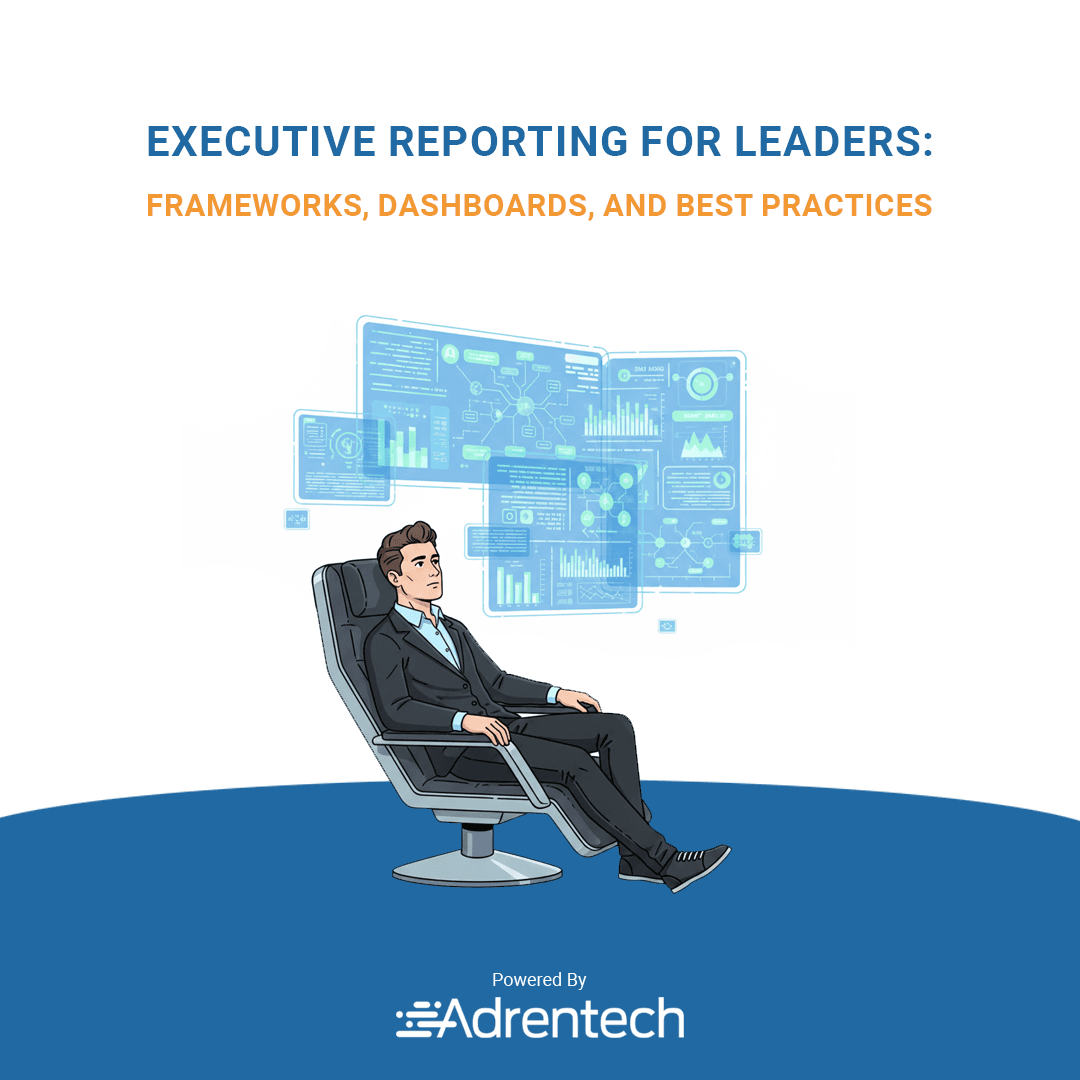
Table of Contents
- Executive Reporting for Leaders
- Why executive reporting matters
- Uneven list of what makes reporting work
- Building effective dashboards
- Crafting executive reports
- How we visualize information
- Our internal reporting process
- Examples that shaped us
- Why our approach helps executives
- Final thoughts
Executive Reporting for Leaders: Frameworks, Dashboards, and Our Best Practices
When we talk about executive reporting, we always remind ourselves that leaders do not want perfect paragraphs. They want clarity. They want a quick review that helps them act. Over the years, working with different departments across the organization, we learned that putting together an executive report that feels human, practical, and helpful is not always simple. But it becomes easier when we follow a structure and keep the big-picture in mind.
We also built Adrentech Inform, our own reporting solution, because we got tired of jumping between internal reports, analytics tools, and spreadsheets. Inform lets us plug in your data, simplify the reporting process, and help executives track performance without drowning in tables. With Inform, relevant stakeholders should be able to view a dynamic story instead of a pile of half-connected data points.
Why executive reporting matters for upper management
The benefits of executive reporting become obvious once the executive team starts relying on it every day. It is the backbone of effective executive work. We use it to understand the company’s performance, spot performance trends, and identify areas for improvement. These reports and dashboards fuel real-time decision-making and give us actionable insights. When we compile a performance report, we know managers and directors must use it to track performance and make informed decisions quickly.
An executive dashboard also plays a central role here. With a strong dashboard, executives are able to view a dynamic snapshot of the company’s performance. The best executive reporting blends context with data from multiple sources, giving a big-picture overview of an organization's direction and a deeper understanding of an organization's challenges. When done right, executive dashboards and reports give a more comprehensive view of business performance, financial health, and product performance.
Our uneven list of what makes reporting work
- We include the most relevant information first because executive reports help people who are busy.
- We aim for an effective executive tone that feels natural and not robotic.
- We use visualization to support the story.
- We let the data for upper management breathe without overloading it.
This is where Adrentech Inform shines again. It supports dashboard and reporting steps, connects data from multiple sources, and helps executives get to the point faster.
Building an effective executive dashboard that leaders actually use
When we design an effective executive dashboard, we force ourselves to slow down and think. We ask what type of report our leaders truly need. Do they want quarter-to-quarter comparisons? Do they need yearly or quarterly summaries? Should they see marketing performance or financial performance first? The reporting needs of senior management differ from those of operational teams, and our reporting tool must reflect that.
We pay extra attention to key metrics because the wrong metric can derail an entire conversation. Sometimes we include KPIs such as financial performance, marketing performance, product performance, or operational performance. Other times we highlight specific performance metrics tied to specific goals. These key performance indicators are treated with care because they shape strategy and performance reviews.
With Adrentech Inform, we no longer worry about messy spreadsheets. The platform lets us visualize data in a clean way, view a dynamic graph, and craft informative reports the executive audience actually wants. It also supports project status reports and helps us track how different departments contribute to the overall result.
Crafting executive reports with real information
Crafting executive reports takes more time than people expect. The reporting process starts with collecting business data, organizing report data, and checking different departments for accuracy. Executive reporting refers to the act of turning that chaos into clarity. Reporting best practices tell us to start with an executive summary and then move into a big-picture overview of an organization’s performance.
We often rely on a simple template because a template keeps us from drifting into unnecessary detail. A template also helps executives scan key metrics quickly without hunting for data. When we prepare annual reports, project management tools help us track progress across the organization. And yes, we still use tools like Google Analytics for marketing performance, but we combine them inside our reporting solution.
Uneven reflections on how we visualize information
Some days we focus on visualization, trying to visualize complicated data sets in a way that does not overwhelm. Other days we spend more time on narrative. A strong executive-level reporting rhythm needs both. We aim to provide a more comprehensive view of the company while still keeping everything readable.
Adrentech Inform gives us real-time updates and helps executives avoid information overload. Leaders want relevant information that helps them make informed decisions. They want clarity, not clutter. Inform helps executives cut through noise and view a dynamic report that reflects what is happening now.
The reporting process we use internally
Our executive reporting process usually looks like this:
- We gather business data.
- We check internal reports.
- We compare report data across the organization.
- We pick the key metrics that matter.
- We clean performance metrics so they can be understood by upper management.
- We prepare an impactful executive summary.
We move fast, but we try to avoid employee burnout by distributing the workload. We also pick the right analytics tools. And yes, sometimes we still use project management tools while preparing executive dashboard examples.
Executive dashboard examples that influenced us
We like dashboards that:
- Have a clear big-picture overview
- Allow quick decision-making
- Show business performance trends
- Help executives identify areas for improvement
- Show data from multiple sources in one place
This shaped how Adrentech Inform looks today. It is a reporting solution made for busy leaders. You plug in your data and the system organizes it intuitively. Inform helps executives understand an organization's operations without clicking endlessly.
Why our approach helps executives and stakeholders
The reason our approach works is simple. Executive reports help stakeholders act. They help executives understand business performance at a glance. Relevant stakeholders should be able to act right away. When we craft a reporting tool like Adrentech Inform, we focus on giving people the ability to see patterns, understand an organization's operations, and identify areas for improvement.
Final thoughts
We do not pretend this is the best executive reporting guide in the world, but it reflects what we learned. It reflects how we think about executive reporting best practices and the role of dashboards.
If you are looking for report examples, more templates, or a straightforward reporting solution, you can explore Adrentech Inform. It is built to support executive-level reporting and make informed decisions easier for everyone around the table. It gives leaders a big-picture overview and a deeper understanding of an organization's shifting priorities, powered by real-time data and visualization that feels clear instead of overwhelming.
This is how we see executive reporting today: human, practical, and focused on helping executives act rather than hesitate.
Share on social media


AI Knowledge Base: How Artificial Intelligence Transforms Knowledge Management